01 / PHOTOMake a still
Make a still
keep moving.
Choose one image, describe the action and turn that frozen second into a short video.

→

 Pico Pop
See the looks ↗
Pico Pop
See the looks ↗
Photo & text to AI video
Pico Pop turns a still, a written moment, or a familiar face into a clip with motion, character and a look of its own.


 Make it pop
The Pico Pop studio
Pick the starting point. Pico Pop handles the motion, framing and finish while you stay in charge of the idea.
Choose one image, describe the action and turn that frozen second into a short video.
“A quiet city portrait, camera drifting closer, soft neon reflected in the rain.”
GENERATING ✦
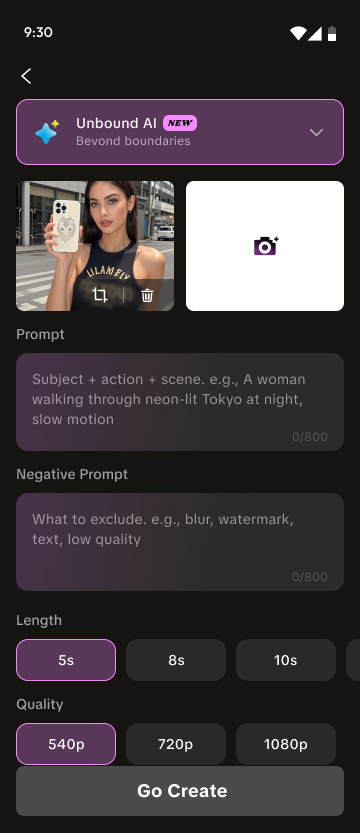
Start with a sentence and shape the scene with positive and negative prompts, duration and quality controls.
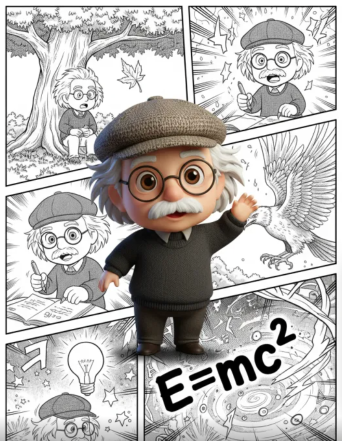
Jump from portrait to toy-box character, comic panel or cinematic world without building an edit from scratch.


From thought to playback
Start with a photo, template or written scene.
Add the action, mood and details you want to see.
Choose length and output quality before the render.
Download the result or move straight to your next idea.
The lookbook
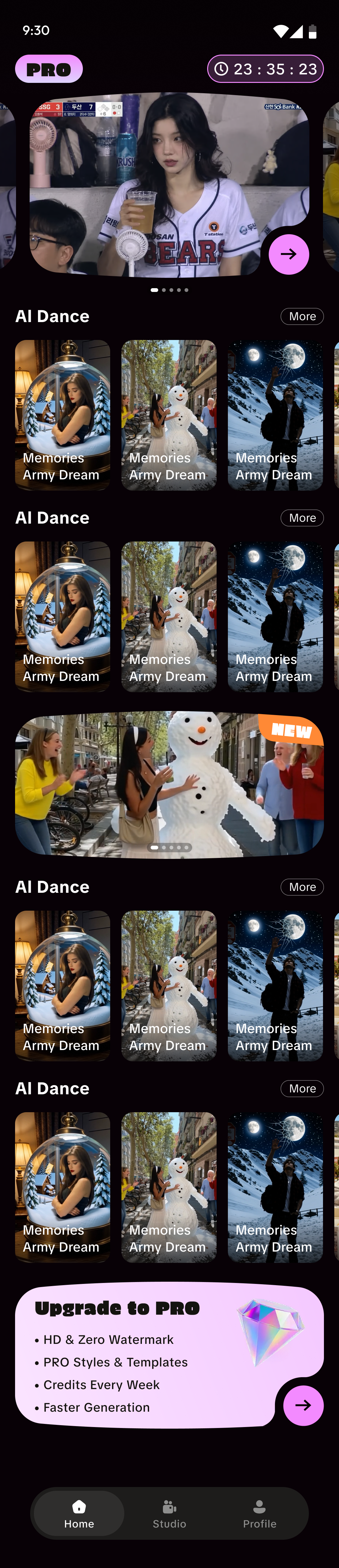
Portraits, characters, memories and impossible scenes — all ready to become the first frame of something new.






Inside the app
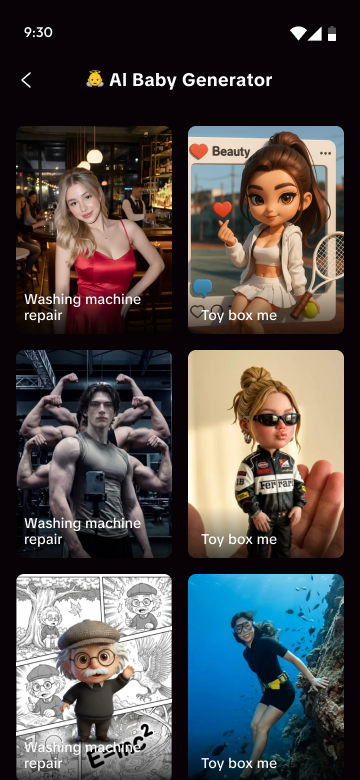
Browse visual directions before you commit to a scene.
Keep photo templates, AI tools and your studio close together.
Set prompts, length and quality in one focused creation screen.
Need to know
Both subscription plans deposit a fresh batch of credits into your account every week — automatically, for as long as your subscription is active. The $7.99 Weekly plan includes 699 credits/week, while the $29.99 Monthly plan includes 1,000 credits/week. Eligible returning users may see a $0.99 first-week offer before the Weekly plan renews at $7.99.
It depends on your plan:
| Plan | Price | Credits arrive | Credits expire |
|---|---|---|---|
| Weekly | $7.99 | 699 every week | 30 days after each drop |
| Monthly | $29.99 | 1,000 every week | 30 days after each drop |
| Lifetime access | $49.99 once | 12,000 all at once | Never |
On Weekly and Monthly, each weekly batch stays valid for 30 days from the day it lands, so you always have time to use it. Lifetime credits have no expiry date.
You keep full access until the end of the period you've already paid for. After that, your membership benefits end — weekly credit drops stop and Pro features are locked, and remaining subscription credits are no longer available. Renewing at any time restores your benefits.
Yes. Pico Pop offers five one-time credit packs:
| Pack | Price | Credits |
|---|---|---|
| Small | $3.99 | 300 |
| Medium | $8.99 | 800 |
| Large | $17.99 | 2,000 |
| Value | $34.99 | 5,000 |
| Supreme | $69.90 | 20,000 |
Credits power every generation in Pico Pop — photo-to-video, text-to-video, restyle, and AI enhance. The cost of each generation depends on its type and quality, and is always shown before you generate. If a generation fails, its credits are automatically refunded.